How Do You Rank on Google?
You do good work, but a customer who searches for your trade calls one of the first few names Google shows. You want to be one of them.
No Google Business Profile yet? Here’s how to set yours up

Can Customers Find You?
Run the free diagnosticSearch for your business by name. Our diagnostic goes over your Google profile and shows you what to fix to get more calls for the good jobs.

Free
- We'll confirm your contact information
- Your website will be linked from your card
- Send us your logo and we'll put it on your card
How to Be One of the First Names They Call
A complete, current, well-reviewed profile gives Google more reason to show you, and customers more reason to call.
Three Things Decide Where You Show Up
Google says it ranks local results mainly on these three.
Relevance
How well your profile matches what the customer searched for.
You can work on this
Distance
How far you are from the town in the search, or from the customer.
You cannot change this
Prominence
How well known you are: your reviews and rating, and what Google finds about you across the web, like your website and listings such as this one.
You can work on this
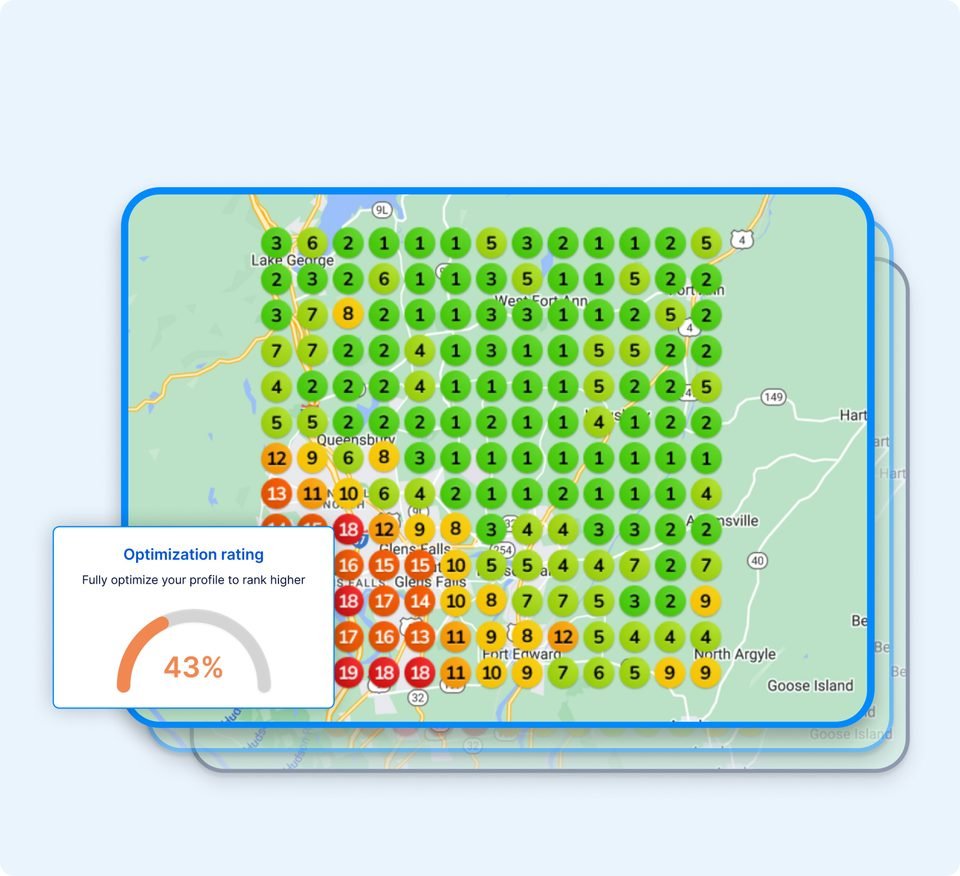
The Work, Step by Step
16 jobs6 you do once10 that never end
Set Up Your Profile
- Once
Fill in every part of your profile
Address or service area, phone, hours, services, and every attribute that fits, like payment types.
Why: Google matches a complete, accurate profile to more of the right searches.
- Once
Pick the right main category
The one that matches most of your work, not the broadest one.
Why: Google uses your category to decide which searches you fit.
- Once
List each service on its own
One entry per service, with a short description.
Why: Customers see exactly what you do before they call.
- Once
Name only the towns you serve
Your service area should be the places you actually work.
Why: Google asks for the areas you really serve, not every town you could drive to.
- Once
Use your real name and address
No extra words in the business name, no address you do not work from.
Why: Google's rules forbid both, and breaking them can get a profile suspended.
- Once
Verify your profile
Confirm with Google that the business is yours.
Why: Google says it gives your business the best chance to show in Search and Maps.
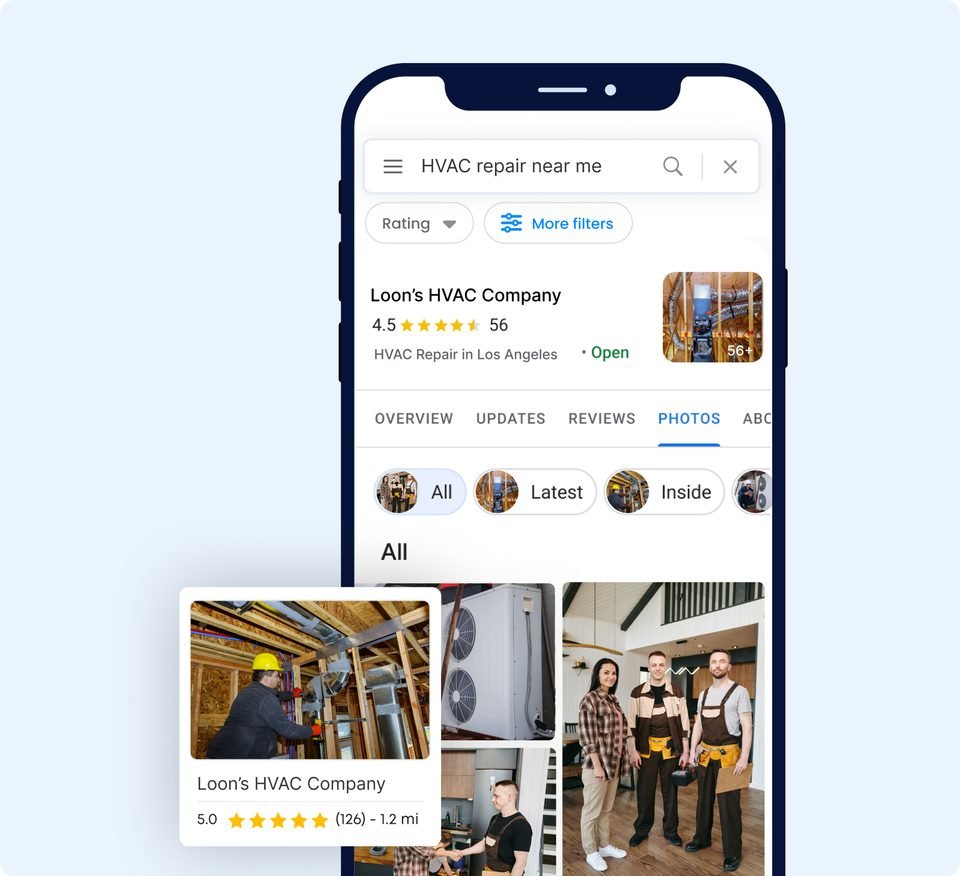
Keep It Current
- Every holiday
Keep your hours right
Regular hours, plus holidays and special days.
Why: Customers see when you are open before they call.
- Every change
Update it when anything changes
A new phone number, new hours, a new service.
Why: Google favors information that is accurate.
- Every week
Add photos of your work
Real jobs, your crew, your trucks, posted as you go.
Why: Photos show customers your work before they call.
- Every week
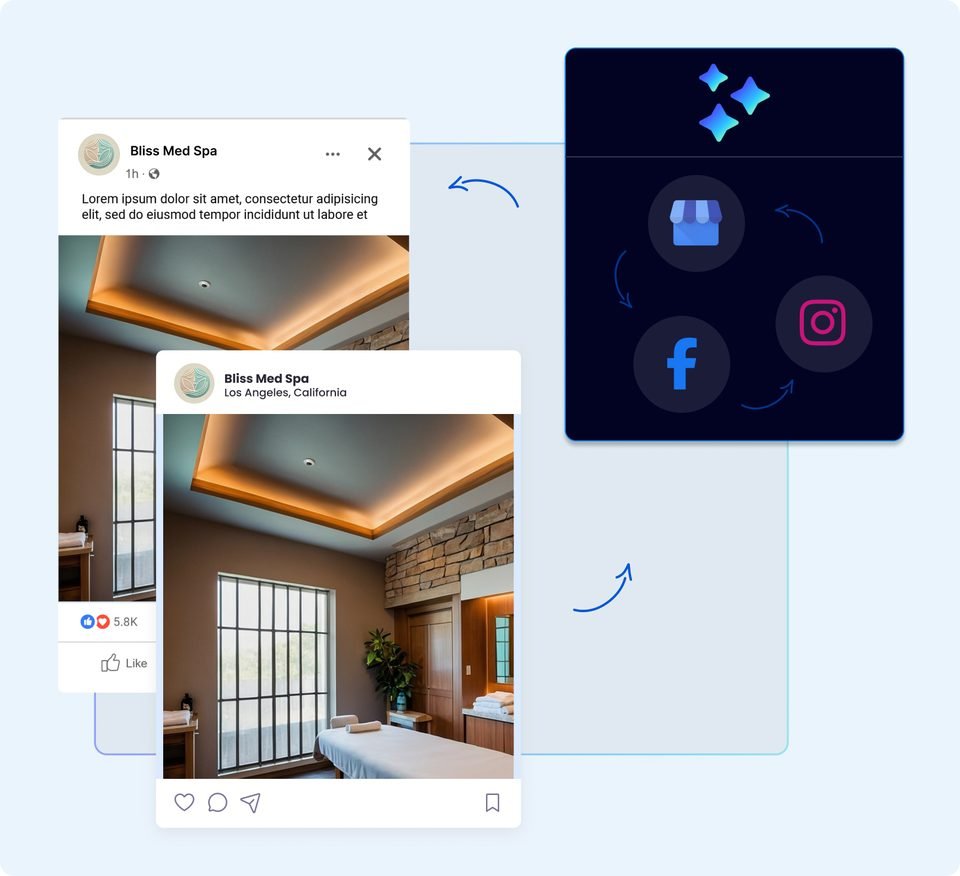
Post updates, then share them
A recent job or the season, posted on your profile. Then share the same post on Facebook and your other social pages.
Why: Posts show customers you are busy now, and sharing puts the same work in front of the people who already follow you.
- Every month
Add short videos
Turn a few job photos or a walk-through into a short clip.
Why: A video shows the work in a way one photo cannot.
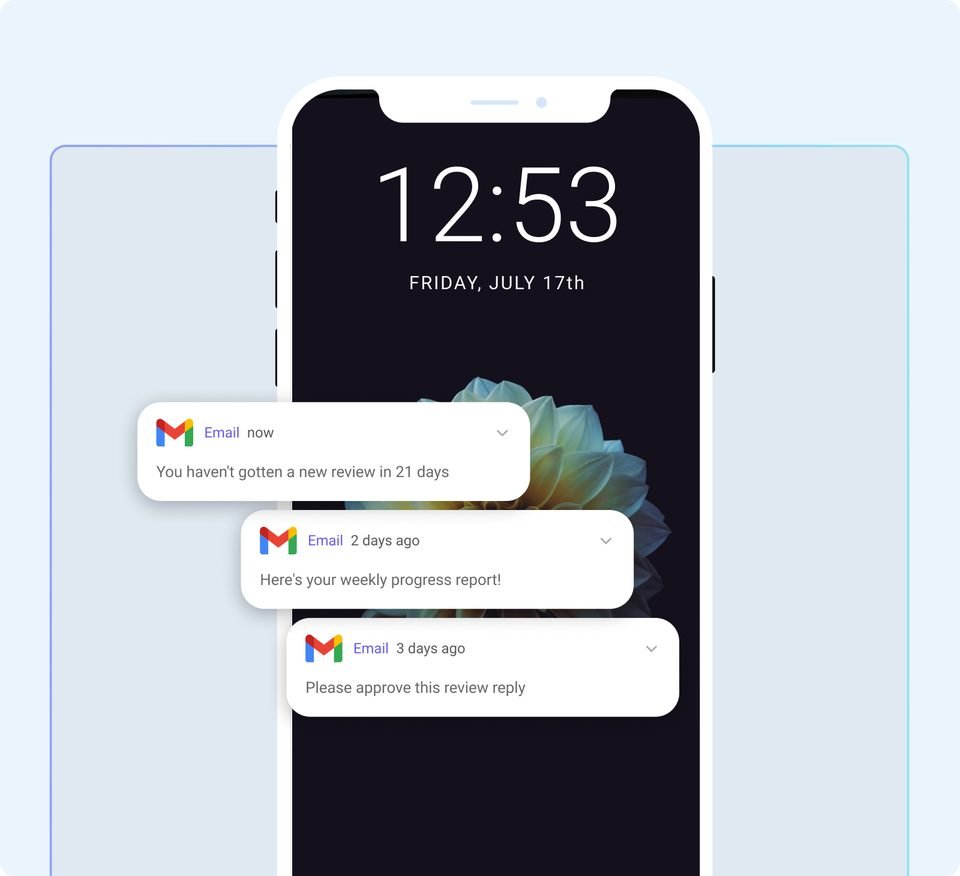
Your Reviews and Your Calls
- Every job
Ask for reviews
Ask every customer the same way, and ask them to mention the job and the town.
Why: Google counts your reviews and your rating. More reviews and better ratings can raise your ranking.
- Every review
Reply to every review
Good and bad, each one.
Why: Google says replying shows customers you value them and what they said.
- Every call
Answer every call fast
Pick up, or text back a missed call with a way to book.
Why: A customer who reaches voicemail often calls the next name on the list.
Get Found Across the Web
- Always
Get named on other sites
Your own website, local directories like this one, your suppliers and trade groups, with the same name, address and phone everywhere.
Why: Google weighs what it finds about you across the web. Each listing is one more place it can find you and confirm your details.
- As you grow
Give each service its own web page
One page on your website per service, with the answer at the top.
Why: A customer who clicks through from Google lands on the exact job they searched for.
Why It Takes so Long
None of this is a one-time job. Reviews come in one customer at a time. Your profile is weighed against every other business in your trade that fits the search, and they can do this work too. Google does not sell local rankings, so the work is the only way up.
Feels Like a Lot of Work?
This is exactly what we do.
We run all of it for you, week in and week out, so you can keep working and get more calls. You're busy on the job all day. Your nights and weekends shouldn't go to figuring out the internet.
Need a Website?
We build those too.
Without the arm-and-a-leg price. Just a good site that shows who you are and the work you do, so more people find you and call. Not a work of art, just the right tool to get the job done.
Can Customers Find You?
Run the free diagnosticSearch for your business by name. Our diagnostic goes over your Google profile and shows you what to fix to get more calls for the good jobs.
Free
- We'll confirm your contact information
- Your website will be linked from your card
- Send us your logo and we'll put it on your card